A digital signage platform that grows with your business.
Choose your slide, press play and your message appears instantly in fullscreen. The Showcast App is easy to manage and built for organisations that want to communicate more efficiently.
What is digital signage?
Digital signage is the display of digital messages on screens such as TVs, displays and totems. It's the modern way to communicate information, promotions and brand visuals in retail, hospitality, real estate, offices, fitness centres, events and more.
Digital screens that stand out
Digital signage is the modern way to showcase information and promotions. Instead of static posters, you use dynamic content that refreshes automatically. This increases visibility and strengthens the impact of your message.
Full control over your content
Showcast’s digital displays capture more attention than traditional prints. You can quickly react to promotions and events. Updates happen in real time and you save on printing costs.
Versatile for every industry
Whether you display menu boards, strengthen shop windows, present real estate projects, communicate schedules or inform visitors, digital signage adapts to any environment.
Digital signage in action
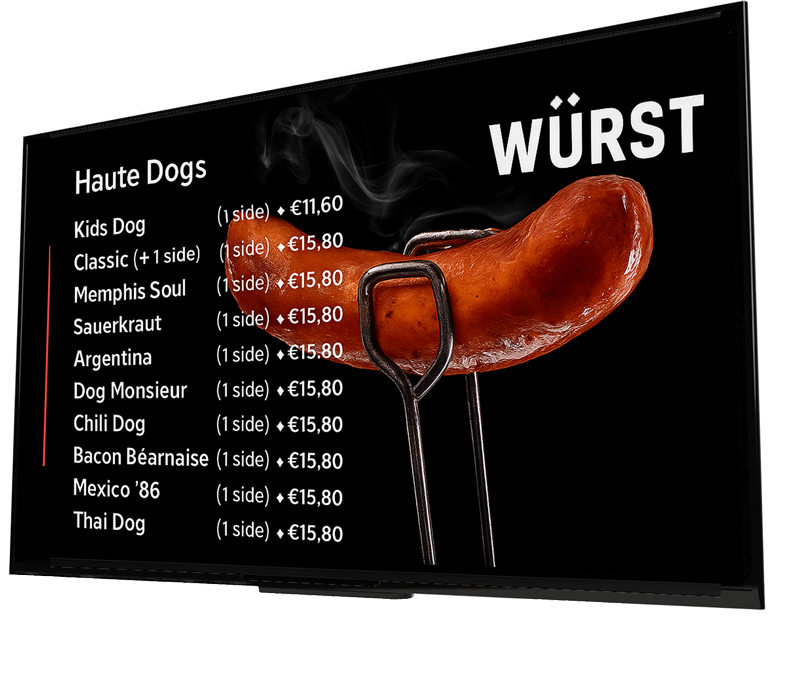
Hospitality and Restaurants
Retail and Stores
Fitness and Sports Centres
Real Estate and Property
Corporate and Office Spaces
Healthcare Facilities and Practices
Schools and Campuses
Events and Exhibitions
Hairdressers and Beauty Salons
Car Dealers and Showrooms
Everything you can do with the Showcast App
Display professional visuals
Show photos, videos or pre-designed animated templates in fullscreen on any display. Ideal for shops, restaurants, real estate, fitness centres, events, agencies and more. You choose the slide and play it whenever you want.
Play in one click
Select a slide and it instantly plays in fullscreen on the connected screen. No complex software, no technical setup. Just choose, play and display.
Always ready to update
Adjust your visuals whenever you need. Upload new media, change the layout and play the updated slide again. Full control without relying on automated systems.
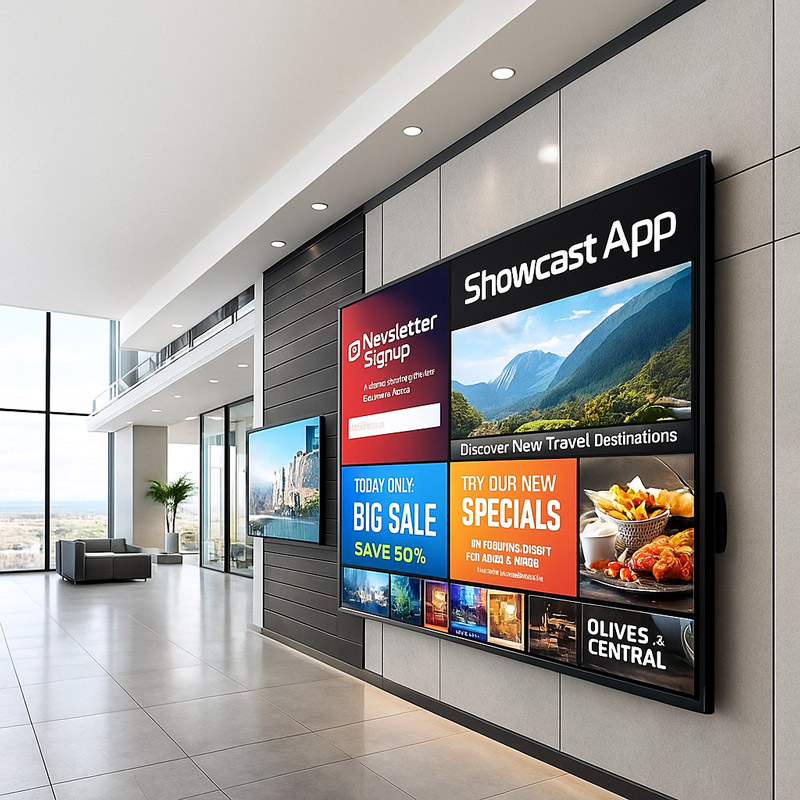
How the Showcast App works
Showcast is simple and clear. You create your slides in the dashboard and play them through the Showcast App, just like Netflix. You choose at any moment which slide starts and on which screen it appears fullscreen.
- 01
Connect your screens
Launch the Showcast App on your TV or player and log in with your account. The screen immediately appears in your dashboard.
- 02
Choose a template or design a slide
Select an existing slide or create a new one in the CMS with images, videos or templates matching your brand.
- 03
Manage your visuals
Update your slides whenever you want. Upload new media, change fonts or colours and save updates directly in the CMS.
- 04
Play the slide via the app
Open the Showcast App, choose a slide and play it instantly in fullscreen on any connected screen. You decide what appears when.
- 05
Update whenever you want
Want to show a new message? Adjust your slide in the CMS and play it again through the app. Full control without hassle — and without USB sticks.
Frequently Asked Questions
Clear answers to the questions we get most often about Showcast and digital signage.
Request a free demo or quote
Curious what digital signage can do for your business? Tell us what you're looking for and we’ll show you how the Showcast App can make your communication faster, more professional and easier.